Any image a browser can display, a visitor can save. That's not a vulnerability — it's how the web works. The screenshot key defeats every protection scheme ever built, so the goal is never to make saving impossible. The goal is to make stolen copies worthless to the thief and useful to you.
That reframing matters, because it changes where you spend effort. Blocking right-click annoys legitimate visitors and stops nobody. A visible watermark, positioned so it can't be cropped away, means every stolen copy either advertises you or costs the thief real retouching work per image — at which point they steal from someone else.
1Skip the security theater
Three popular tactics do almost nothing. Right-click blockers are defeated by a screenshot, the browser's developer tools, or simply the network tab. Invisible metadata (copyright fields in EXIF/IPTC) is stripped automatically by every major social platform on upload — it's worth setting for provenance, but it deters no one. And uploading only tiny images punishes your real audience more than thieves, who happily use small images in contexts where quality doesn't matter.
None of these are wrong to use; they're wrong to rely on. If your protection plan is right-click blocking plus an EXIF notice, your images are effectively unprotected.
Don't
- Rely on right-click blockers — a screenshot defeats them in one keypress
- Trust EXIF/IPTC copyright fields — platforms strip metadata on upload
- Upload deliberately degraded images — you punish buyers, not thieves
2Watermark so a crop can't win
The corner logo is the most common watermark and the easiest to defeat: crop 10% off one edge and it's gone. Corner marks are attribution — great for reposts that keep the image intact — but they are not protection.
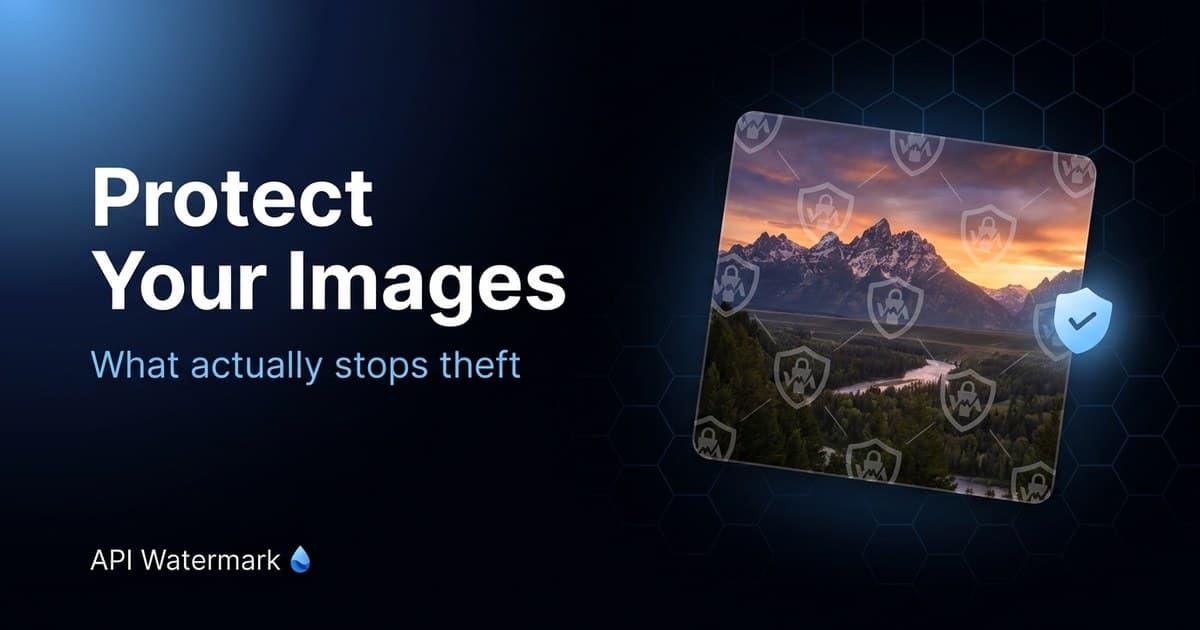
Protection is a tiled, low-opacity mark repeated diagonally across the whole frame. There's no crop that removes it, and retouching it out of a detailed area (faces, product texture, foliage) takes minutes per image. At 15–25% opacity a tiled mark stays unobtrusive on previews while making the file useless as a final deliverable.
The strongest setups use both layers for different audiences: tiled marks on anything unsold or unpublished (proofs, previews, catalogs shared with resellers), corner marks on what you post publicly and want shared with credit.
Do
- Tile a low-opacity mark across the whole frame for anything unsold
- Place marks over detailed areas — sky and flat backgrounds retouch out in seconds
- Keep one consistent preset so your mark becomes recognizable
Watermark a batch right now — free, no signup
Drop up to 20 images in the batch tool, set a tiled or corner mark, and download the protected set as a ZIP. Your originals never leave your control.
3Watermark at the pipeline, not by hand
Manual watermarking fails the same way manual backups fail: it works until you're busy, and you're always busy. The images that get stolen are usually the ones that skipped the process — the rush job, the late-night upload, the batch someone else published.
Make the watermark a property of how images leave your machine. For folders of finished work, batch tools stamp a few hundred images in one pass. For anything with an upload pipeline — a store, a gallery platform, a CMS — one API call between upload and storage means an unprotected image can't reach the public URL at all.
4When it happens anyway: the takedown playbook
Watermarks reduce theft; they don't eliminate it. When you find your image in use: screenshot the infringing page (with URL and date visible), then find the host. For social platforms, use the built-in copyright report — they process thousands daily and respond faster than email. For websites, a WHOIS lookup finds the hosting provider, and every major host has a DMCA agent who must act on valid notices.
A DMCA takedown notice is a form letter, not a lawsuit: identify your original, identify the copy, state you own it, sign. Most infringements come down within days. This is also where the watermark pays off twice — a version of the image carrying your mark is compelling evidence that the copy is yours, and reverse image search (Google Images, TinEye) finds copies of marked images just as well as clean ones.