Your listing photos are funding rental scams. Brand them.
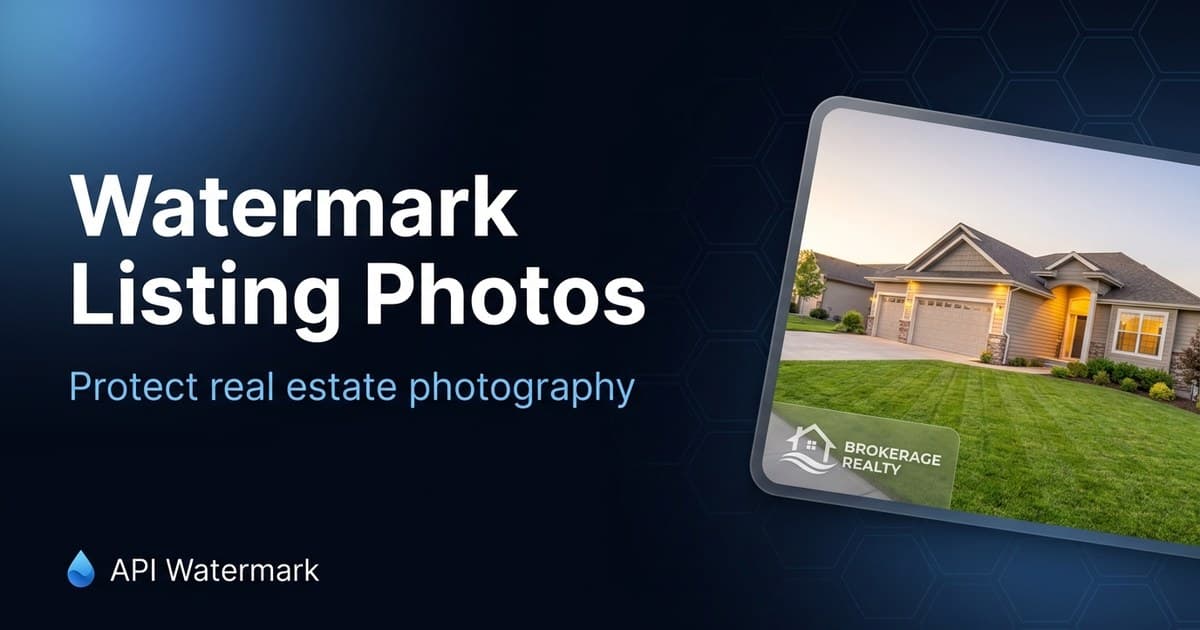
The most common rental scam starts with real photos of a real house — pulled from an active sale listing. A brokerage watermark makes stolen photos self-defeating: anyone who sees the scam listing sees who actually represents the property.
A typical run
Input
28 photos from a listing shoot
Watermark
Brokerage + agent name, bottom-left, clear of MLS UI overlays
Output
Branded set for MLS, Zillow, and social in one pass
What unbranded images cost real estate agents
Fake rentals built on your shoot
Scammers repost for-sale photos as too-good-to-be-true rentals and collect deposits. Victims show up at the door; the listing agent gets the angry phone call. A visible watermark breaks the scam at the screenshot stage.
Photography you paid for, working for someone else
Professional shoots run hundreds of dollars per listing. Unbranded, those photos get lifted by iBuyer landing pages, competitor farming postcards, and 'sold in your area' ads that aren't yours.
Every platform, another manual upload
MLS, Zillow, your brokerage site, Instagram, the sign rider QR page — each wants the same photos. Watermark once in batch and reuse the identical branded set everywhere, instead of re-exporting per platform.
The workflow that sticks
Agents typically batch each shoot right after it comes back from the photographer: drop the set into the bulk tool, apply the saved brokerage preset, and upload the branded ZIP everywhere. Teams and brokerages automate the same step over the API for every incoming shoot.
- 1
Drop in the full shoot
All exterior and interior shots in one batch. The watermark is positioned relative to each image, so mixed portrait/landscape sets come out consistent.
- 2
Use MLS-safe placement
Bottom-left or bottom-center at moderate opacity stays clear of the corner UI most portals overlay. Check your MLS's photo rules — some restrict promotional text but allow branding; adjust the preset once and reuse it.
- 3
Save the preset per brokerage
Logo, font, position, and opacity live in a preset. New listing, same look — no design decisions per shoot, no drift between listings.
- 4
Publish one branded set everywhere
The same ZIP feeds MLS, Zillow, your site, and social. When a photo escapes into the wild, it carries your name instead of feeding someone else's funnel.
FAQ
Real Estate Agents ask us
Does my MLS allow watermarked photos?
+
Where should the watermark go on property photos?
+
Can I watermark video walkthroughs too?
+
What about photos the photographer owns?
+
Protect your next batch in minutes
Free up to 100 calls a month. No credit card. Start in the editor or wire up the API.