Your product photos are someone else's storefront
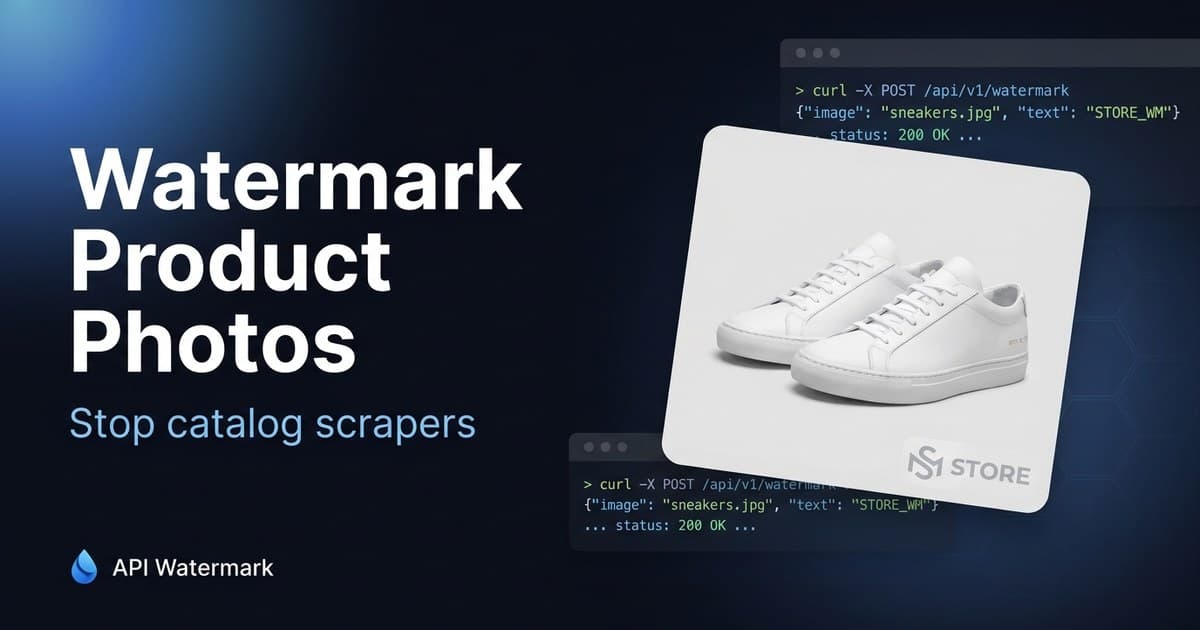
If your product photography is good, it's already been scraped. Copycat listings on marketplaces and ad creatives for knockoff stores are built from unbranded catalog images. Branding every image at upload time closes the tap — permanently and automatically.
A typical run
Input
Every image hitting /products/upload
Watermark
Store logo, bottom-right — applied in the upload pipeline
Output
Only branded images ever reach the CDN
What unbranded images cost e-commerce stores
Dropshippers scrape at catalog scale
Scrapers don't take one photo — they take your whole catalog, titles and images together, and relist it with a margin. Branded images break their pipeline: either they show your logo or they pay for their own photography.
Knockoff ads convert on your creative
Counterfeit sellers run paid ads using the original brand's product shots because they convert. When your logo is rendered into the image, every knockoff ad impression advertises the real store instead.
Manual watermarking breaks at catalog velocity
New SKUs land weekly; seasonal shoots land in hundreds. Any process that involves a person opening an editor will be skipped under deadline. The only watermark policy that holds is the one enforced by the upload pipeline itself.
The workflow that sticks
For stores, the answer is almost always the API: one call in your image-upload path (CMS webhook, media service, or build step) so branding is a property of the pipeline, not a task. The bulk tool covers back-catalog and one-off campaign shoots.
- 1
Hook the upload path
Wherever product images enter your system — admin upload, PIM sync, supplier feed — add one POST to the watermark endpoint before the file is stored.
- 2
Send image + config, get the branded file
Multipart request with your logo and placement config; the branded image comes back in the response body. Median processing is well under a second for typical product shots.
- 3
Store only the branded version
Push the result to your CDN/storage as the canonical image. Keep originals in a private bucket for future re-processing — never publicly addressable.
- 4
Backfill the existing catalog
Run the batch endpoint over your current image set (20 per call, ZIP back) or loop the single endpoint from a script. A 5,000-image catalog is an afternoon of unattended processing.
// In your upload handler — brand before storing
const form = new FormData();
form.append("image", productImageBlob);
form.append("type", "image");
form.append("watermark_image", logoBlob);
form.append("position", "bottom-right");
form.append("opacity", "0.6");
form.append("output_format", "webp");

const res = await fetch("https://apiwatermark.com/api/watermark", {
  method: "POST",
  headers: { Authorization: `Bearer ${process.env.WATERMARK_KEY}` },
  body: form,
});
await cdn.put(`products/${sku}.webp`, await res.arrayBuffer());
FAQ
E-commerce Stores ask us
Do watermarked product photos hurt conversion?
+
Do marketplaces like Amazon allow watermarked images?
+
What formats should I output for web performance?
+
How is high-volume usage billed?
+
Protect your next batch in minutes
Free up to 100 calls a month. No credit card. Start in the editor or wire up the API.