Every PDF protection scheme collapses at the same point: you have to let the legitimate recipient read the document. Once they can read it, they can screenshot it, print it, photograph it with a phone, or simply forward it — password and all. 'Unshareable' isn't achievable for anything a human is allowed to see.
What is achievable is accountability. A visible stamp on every page — the recipient's name, email, and the date — travels with every forward, screenshot, and printout. The document can still leak, but it can't leak anonymously, and that single change stops most leaks before they happen.
1Why the standard tools underdeliver
PDF passwords authenticate opening, not behavior after opening — and the password gets forwarded in the same email as the file. Permission flags ('no printing', 'no copying') are advisory: many PDF readers ignore them entirely, and printing to PDF launders the file clean. Secure portals and expiring links control the download, but the screenshot key works on every portal ever built.
These tools aren't useless — encryption genuinely matters in transit and at rest, and portals give you an access log. They just don't address the actual failure mode, which is your authorized recipient passing the content along.
Don't
- Trust password protection against forwarding — the password forwards too
- Rely on 'no print / no copy' flags — many readers simply ignore them
- Assume a viewer-only portal stops capture — screenshots defeat every portal
2Recipient stamping: accountability in the pixels
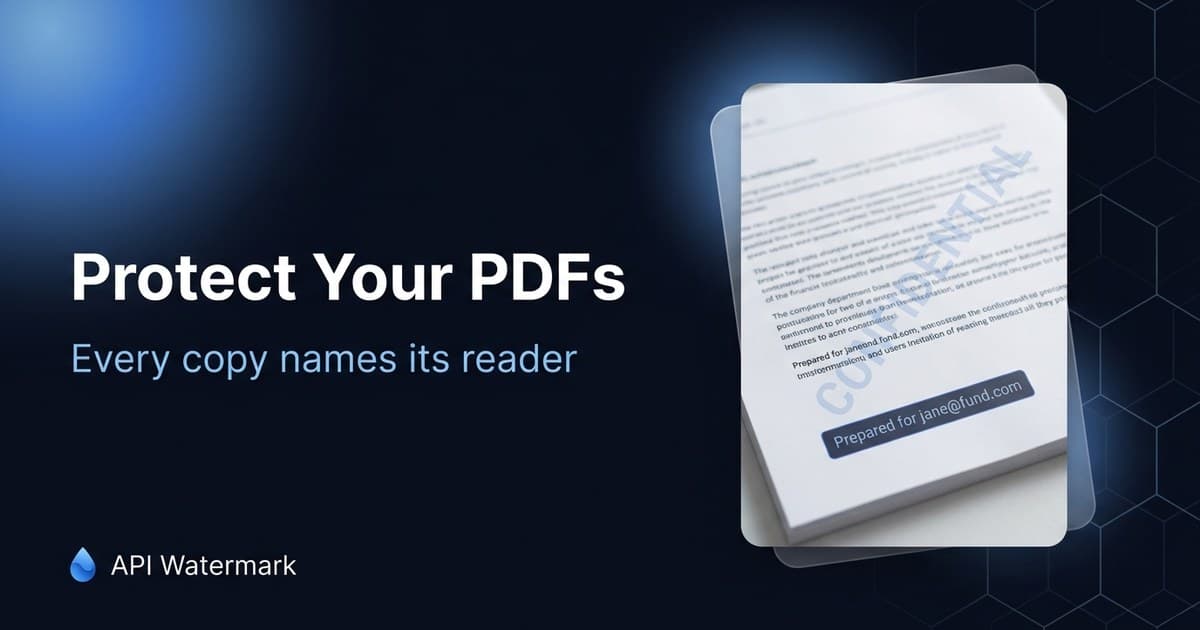
The mechanism is simple: before delivery, stamp every page with the recipient's identity — 'Prepared for jane@fund.com · 2026-07-31' in a footer, or a faint diagonal tile for higher-stakes documents. Now every copy is personal. Forwarding it means signing the leak; posting a screenshot posts your own name.
This is the standard practice anywhere document leaks carry real cost: investor decks and data rooms, M&A materials, expert reports, pre-release manuscripts, board packets. The deterrence is psychological and nearly total for casual sharing — the recipient who would forward an anonymous PDF without a second thought will not forward one wearing their own email.
Do
- Stamp identity + date on every page, not just the cover
- Use a footer for working documents, a low-opacity tile for high-stakes ones
- Keep the stamped copy as your delivery record — who got what, when
Stamp a PDF right now — free, every page
Drop a document in the free PDF tool, add a recipient footer or a CONFIDENTIAL tile, and download. Text stays selectable; the stamp is on every page.
3Automate it at delivery
Hand-stamping in a desktop editor works for one document and fails at ten. The sustainable version is stamping at the point of delivery: a batch run before a mailout, or an API call in whatever system serves the file — the data room, the deal portal, your app's download route.
Per-recipient automation is one request per recipient with dynamic text: the same master PDF goes in, 'Prepared for {email}' comes out, and each recipient's copy is generated at send time. The stamp is a proper PDF layer, so text stays selectable and searchable, and file sizes stay sane.
4When a document leaks anyway
The stamp converts a mystery into a conversation. You know which copy leaked, so you know who to call — and in most professional contexts (NDAs, LP agreements, employment terms) that's enough to invoke real consequences. For public postings, the standard takedown route applies: platform copyright reports and DMCA notices to hosts, with the stamped copy as clean evidence of both ownership and the leak's source.
Keep perspective on the goal: you're not building an unbreakable vault, you're pricing the leak. A stamped document costs its sharer their reputation, their deal access, or their job. That price, visible on every page, is what protection actually looks like for documents humans are allowed to read.