Drafts that can't go live without you
Every agency has shipped a concept that ran before the invoice cleared — a social visual pulled from the review deck, a banner grabbed from the preview link. A per-client draft watermark means unapproved work is visibly unapproved, and the clean files only exist after sign-off.
A typical run
Input
12 campaign visuals for client review
Watermark
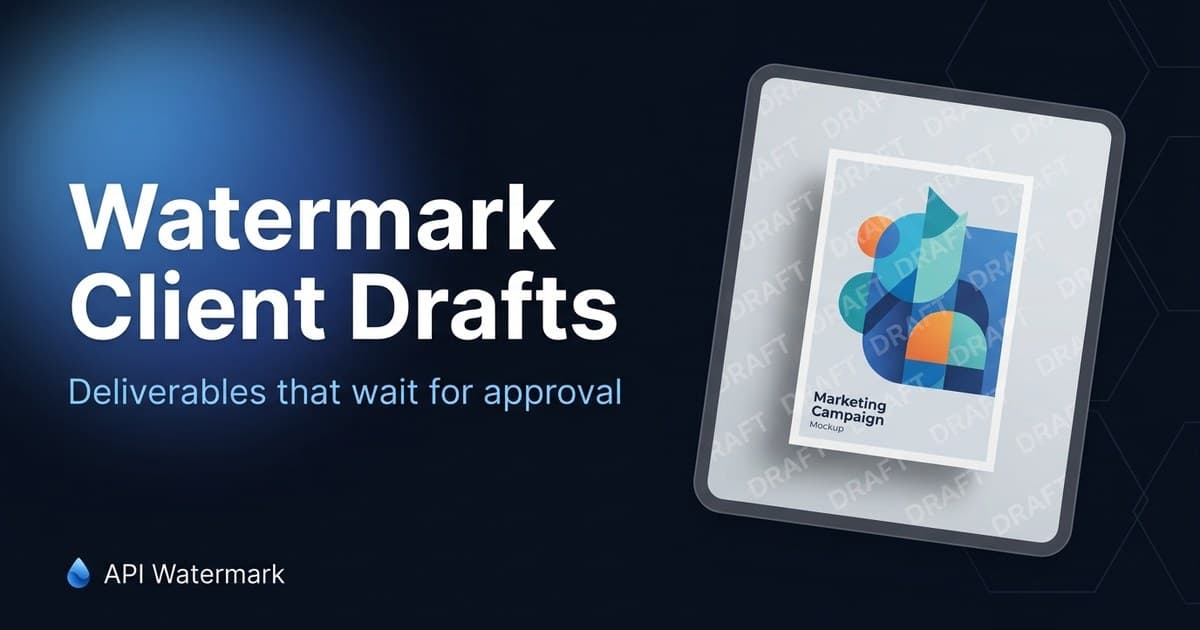
Tiled 'DRAFT — Agency Name' at 15% across every concept
Output
Review deck out same day; clean files on approval
What unbranded images cost marketing agencies
Concepts run before they're paid for
A preview link is one right-click away from a live Instagram post. When the client's intern grabs the draft and publishes it, you're now negotiating payment for work that already shipped — from a position of zero leverage.
Pitch work walks out of the room
Spec creative from a lost pitch has a way of reappearing months later, lightly recolored, executed by a cheaper shop. A tiled agency mark on every pitch board makes reuse traceable and awkward instead of free.
Per-client branding is manual overhead
Ten clients means ten draft stamps, ten logo placements, ten 'did we mark this?' checks across designers. Presets per client — or one API call in your review-link generator — make the draft mark automatic instead of a tribal habit.
The workflow that sticks
Agencies typically run two lanes: designers batch-stamp review exports with a per-client preset, and shops with a client portal wire the API into the preview upload so everything the client can see is marked by construction. Approval flips the switch: re-export clean, deliver, invoice.
- 1
Create one preset per client
Draft text (or the client's own 'not for release' language), your agency mark, tiled placement, low opacity. Saved once, reused by every designer on the account.
- 2
Stamp the whole review batch
Export concepts as usual, drop the batch in, download the marked set as a ZIP. Same treatment across formats and sizes — the deck looks deliberate, not defaced.
- 3
Share previews without anxiety
Marked drafts can go in decks, review portals, and email threads freely. If one escapes to a live channel, it reads as what it is: an unapproved draft.
- 4
Deliver clean on approval
Sign-off triggers the clean export from your originals. The watermark step never touches final files — it only guards the gap between 'shared' and 'paid'.
FAQ
Marketing Agencies ask us
Won't clients be offended by watermarked drafts?
+
Can the watermark carry the client's name or campaign?
+
Can we automate marking in our review portal?
+
What about video and PDF deliverables?
+
Protect your next batch in minutes
Free up to 100 calls a month. No credit card. Start in the editor or wire up the API.