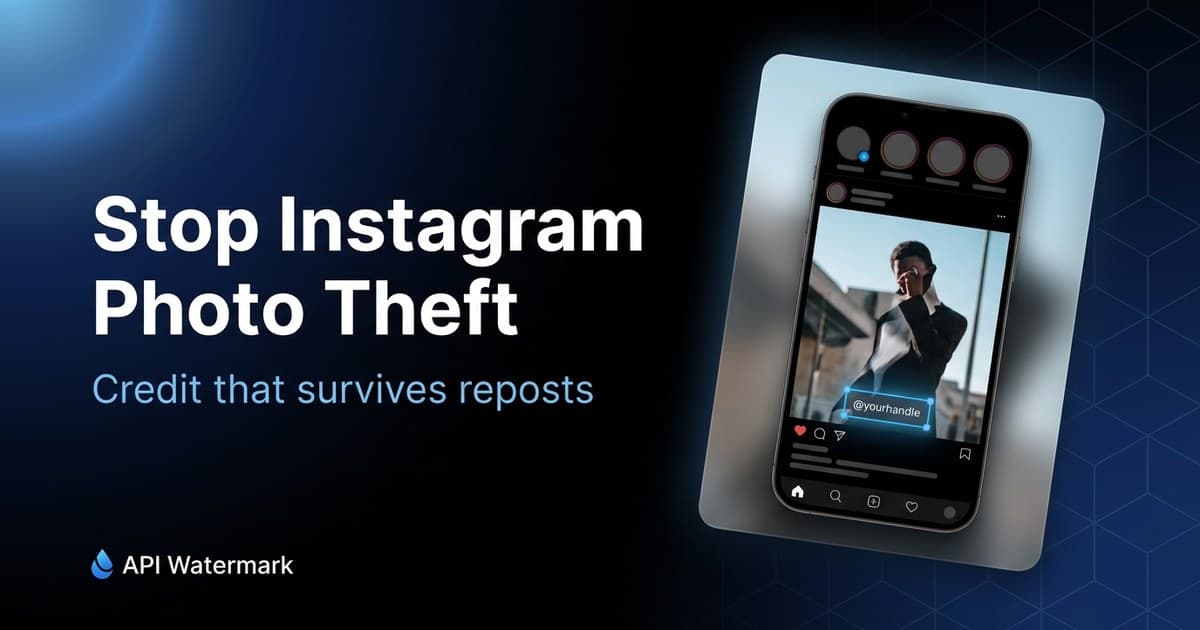
Instagram theft is rarely dramatic. It's a repost account with 200k followers sharing your photo 'with credit' in a caption nobody reads, then a second account screenshotting the first, and by the weekend your image is a meme template with someone else's handle on it. Each hop strips metadata, caption, and tag — everything except the pixels.
That's the design constraint: the only credit that survives Instagram is credit rendered into the image itself. The craft is doing it in a way that survives the platform's crops and doesn't make your feed look like a stock-photo site.
1Know where Instagram crops
Instagram renders the same image at several aspect ratios: 1:1 grid thumbnails, 4:5 feed portraits, and 9:16 stories and reels. A mark at the extreme edge of a 4:5 upload can vanish in the square grid crop, and story reshares add UI bars at top and bottom that cover roughly the outer 10–15%.
The safe zone is inside roughly 8–10% from every edge. Bottom-center and bottom-left placements inside that margin survive grid crops and story reshares. The bottom-right corner is the worst spot — it collides with Instagram's own UI in several surfaces.
Do
- Keep marks at least ~8% inside every edge — hard crops live at the borders
- Check your mark at 1:1, 4:5, and 9:16 before settling on a preset
- Size text so it's legible at grid-thumbnail scale, not just fullscreen
Don't
- Bottom-right corner — Instagram UI territory on multiple surfaces
- Marks over flat sky or plain walls — one tap of a retouch tool removes them
2Make it a signature, not a stamp
The accounts that keep credit on Instagram treat the watermark as part of their visual identity: same small logotype or handle, same position, same opacity, on every post. Followers stop seeing it within a week; reposters can't remove it without visible surgery; and anyone who encounters the stolen copy can find you in two seconds.
Use your @handle rather than a full studio name — it's shorter, and it's directly searchable by anyone who sees the repost. 40–50% opacity in a neutral tone (white or black depending on your palette) disappears into the image while staying readable on screenshots.
Mark this week's posts in one pass
Drop your content batch into the free tool, place your @handle inside the safe zone, save the preset, and download. Same look on every post from now on.
3Batch it before you post
The reason most creators post unmarked images isn't philosophy — it's friction at 11pm. Remove the friction: run each content batch through a watermark tool once, with a saved preset, and keep a 'ready to post' folder that only ever contains marked images. A month of content takes one drag-and-drop.
For carousels and reels covers, use the same preset so every frame in the swipe carries the mark — reposters often lift a single inner slide precisely because creators only mark the first one.
4When you find a repost
For a credit-less repost, a DM asking for tag-or-takedown resolves most cases — repost accounts depend on creator tolerance and usually comply fast. For commercial use or refusal, Instagram's copyright report form (in-app or on the web) is fast and effective; Meta processes these under DMCA and typically removes infringing posts within days. Your watermarked original plus your upload date is all the evidence the form needs.